
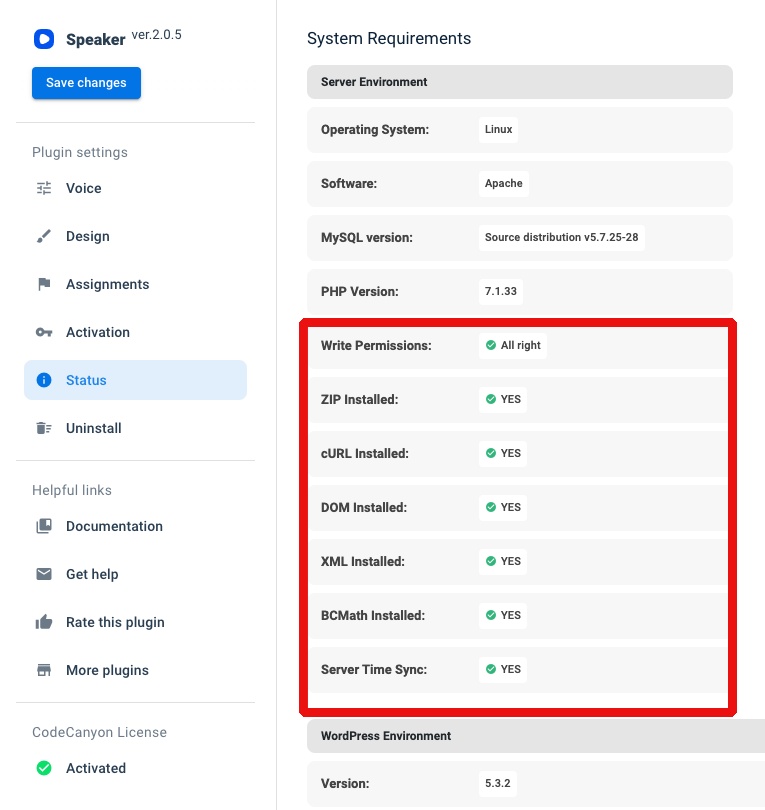
- The first thing you should do after the plugin activation is to check the status of the system requirements and make sure everything is green.
2. To use the shortcode instead of predefined positions, select Shortcode in the settings Speaker>Design>Player position
3. Create a new page or edit an existing one, then add the shortcode [speaker] and create audio for the current content using the guide.
If after all the steps the Speaker player still does not appear on the page, please provide us with a direct page link with your site access details via help@merkulov.design to consider the issue. Do not forget to send your purchase code as well.
Comments
0 comments
Please sign in to leave a comment.