
Once you have installed the plugin, you need to go to Revealer>General and set up the settings. To start work, the "Selector" section must be configured correctly. At this step, you should decide which links you want to use as pop-up navigation. If you want to apply the popup for all links of your site pages, enter the general selector for all links on your pages. Selectors setting are individual for every WordPress theme, but in most cases, it is:
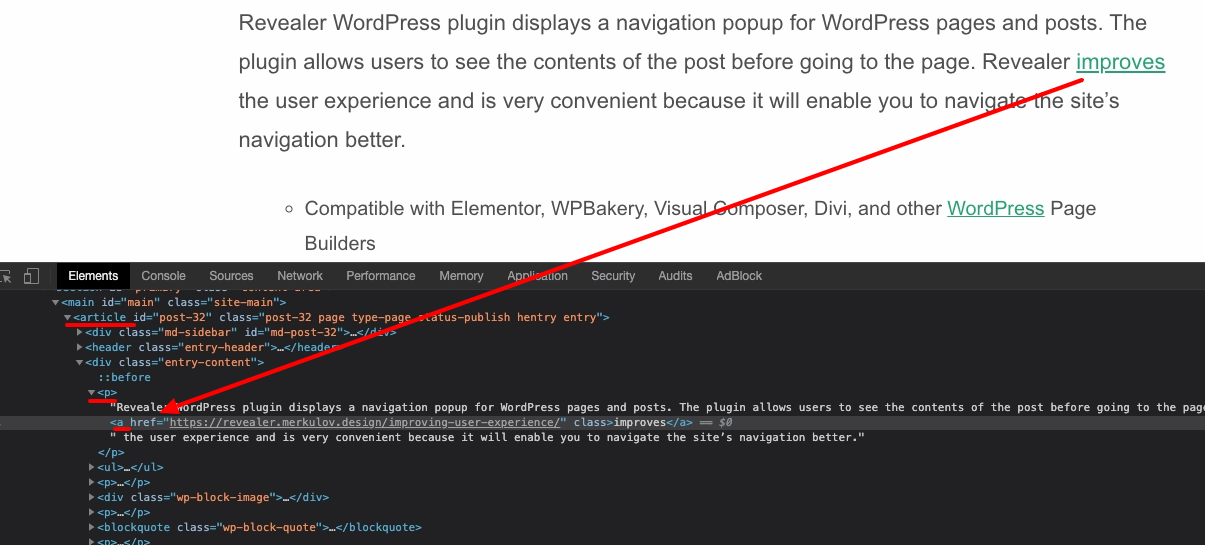
article p a
If you want to use the popup only for certain places, then you can add a unique class for the links, for example, class="nav-popup" and specify the selector
article p a.nav-popup
Please note that the plugin works only with internal links.
How to get CSS selector for your theme
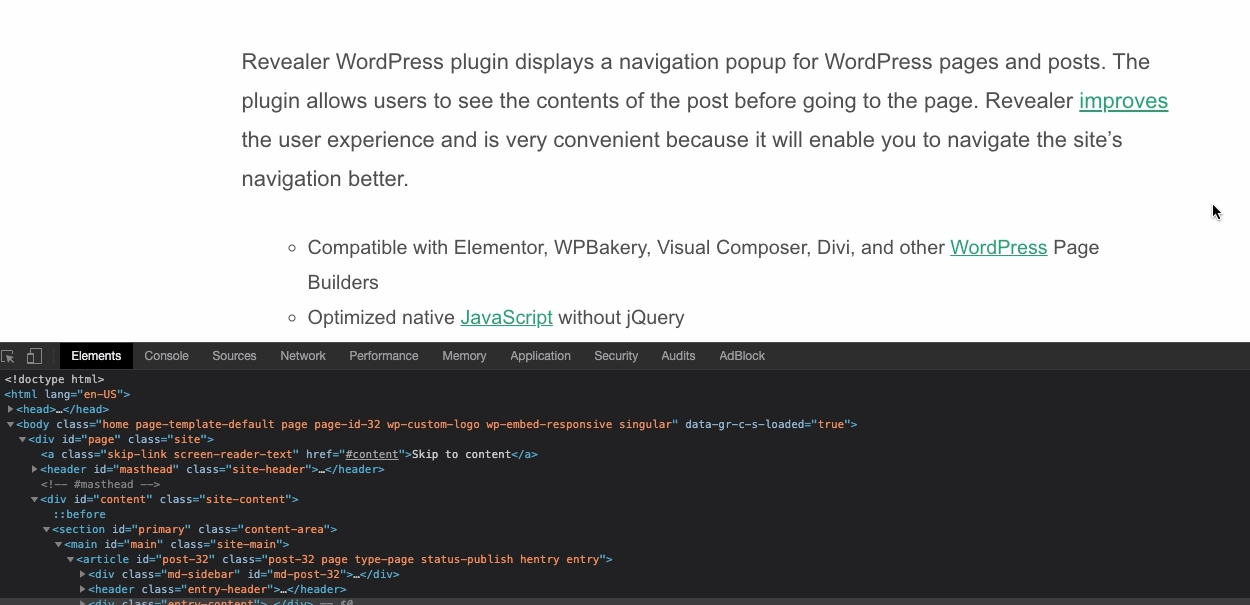
1. Open browser Dev tools
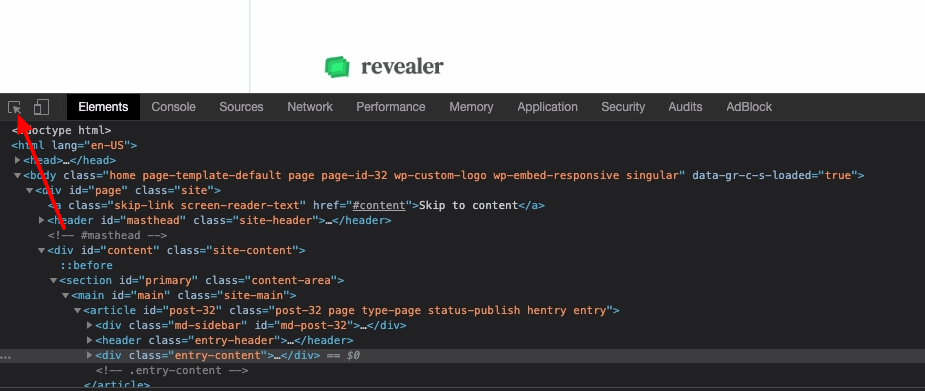
2. Click on the select element tool in page
3. Click on the element you want to get the selector from in order to view it in the dev tools panel. For example, any link on the page of your site.
Comments
0 comments
Please sign in to leave a comment.